
Every time I publish a blog post or launch a new page for a client, there’s always that nagging thought: “Right, now I need to share this everywhere.” Twitter, LinkedIn, Facebook, Mastodon, Bluesky… the list keeps growing. And if you’re anything like me, you’ve probably forgotten to share something important more times than you’d care to admit.
That’s exactly why I built SimonTodd Social — a WordPress plugin that takes the hassle out of social media sharing and lets you focus on what actually matters: creating great content.
What Does It Do?
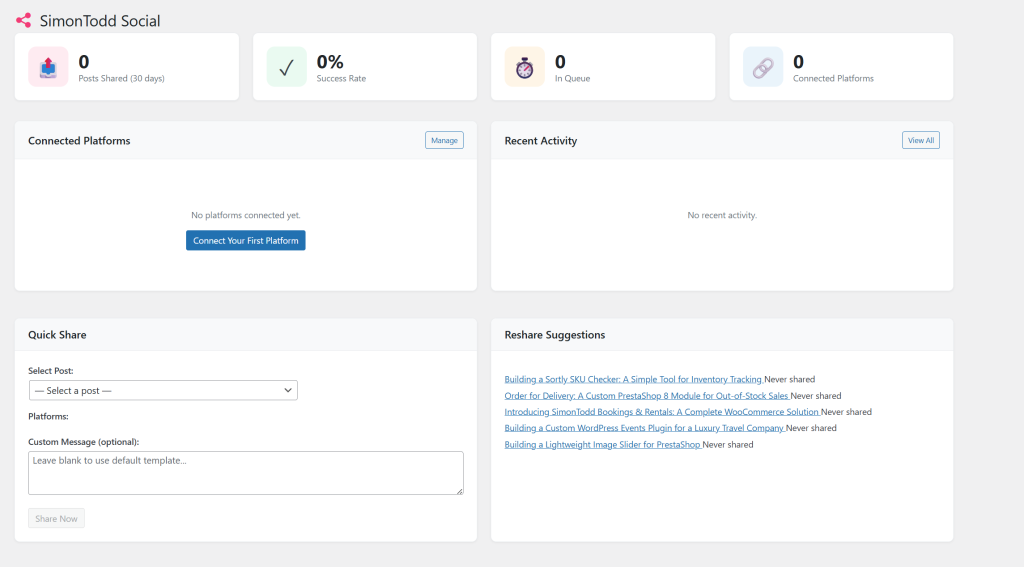
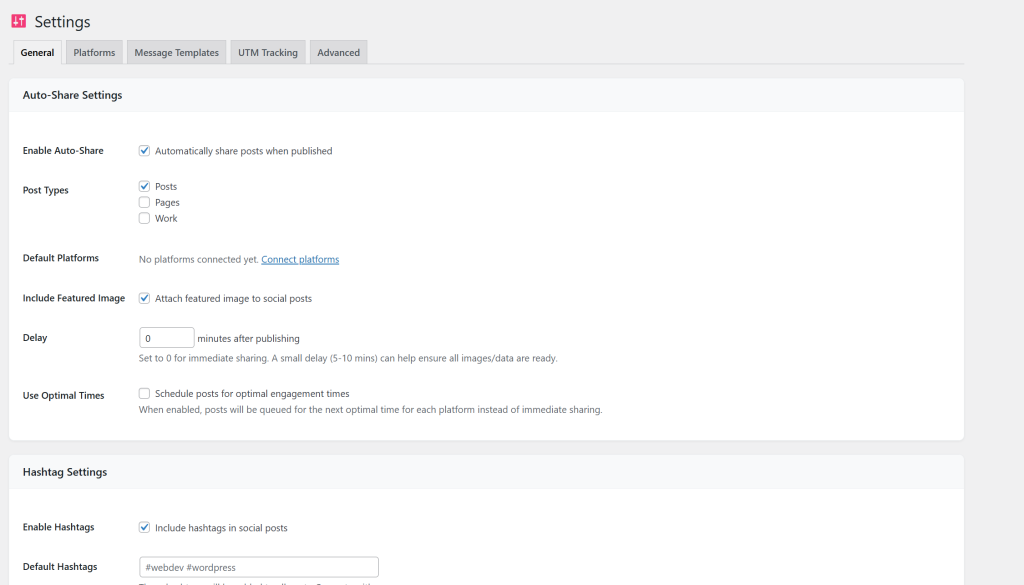
At its core, SimonTodd Social automatically shares your WordPress posts to your connected social accounts the moment you hit publish. No more switching between tabs, no more copying and pasting, no more “I’ll do it later” that turns into never.
But automatic sharing is just the beginning.
Scheduling That Actually Works
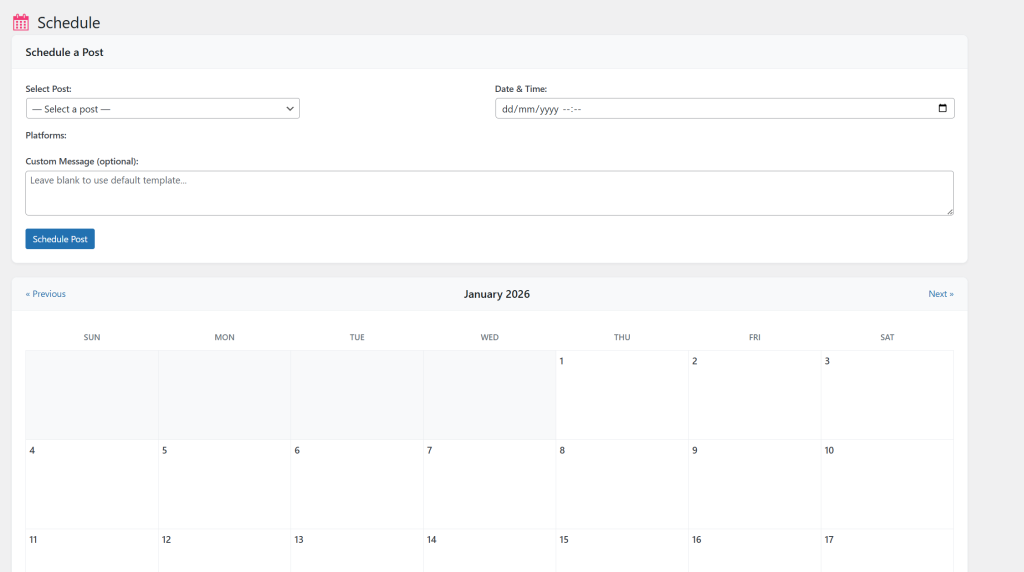
Sometimes you don’t want a post to go out immediately. Maybe you’re publishing at midnight but want it shared at 9am when your audience is actually awake. The plugin includes a proper scheduling system that lets you queue posts for optimal times on each platform.
You can set your preferred posting times per platform — because what works on LinkedIn at 8am doesn’t necessarily work for Twitter at the same time.
Digest Posts
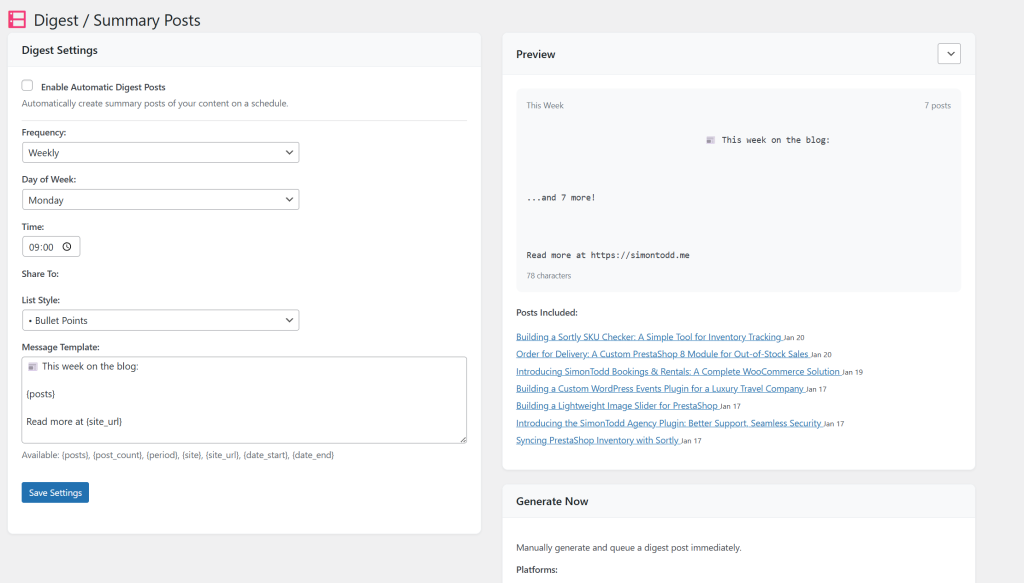
This is the feature I’m most proud of. Rather than bombarding your followers with individual posts, you can set up weekly (or daily, bi-weekly, monthly) digest posts that summarise everything you’ve published. Perfect for newsletters-style updates without the actual newsletter overhead.
“This week on the blog: Here’s what we covered…” — all generated automatically and shared to whichever platforms you choose.
Customisable Message Templates
Different platforms have different vibes. A tweet is not a LinkedIn post. The plugin lets you create custom message templates for each platform with placeholders like {title}, {excerpt}, {url}, and {hashtags}. Your Twitter posts can be punchy and emoji-filled whilst your LinkedIn updates stay professional and polished.
Built-in Analytics
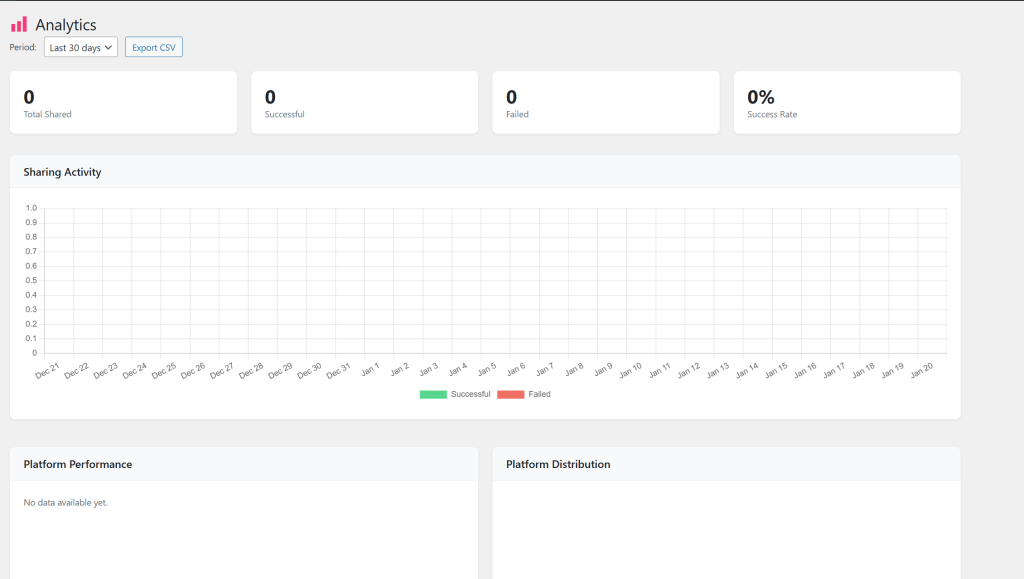
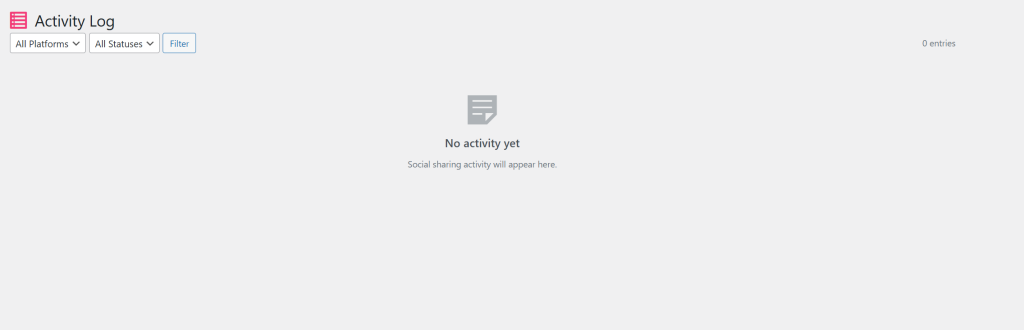
I’ve added a proper analytics dashboard so you can see what’s actually working. Track your success rates, see which platforms perform best, identify your top-shared posts, and spot any failures before they become problems. The activity log keeps a record of everything, so you’ll always know what went out and when.
Supported Platforms
Currently, SimonTodd Social supports:
- Twitter / X — OAuth 2.0 authentication
- LinkedIn — OAuth 2.0 authentication
- Facebook — OAuth 2.0 authentication (pages)
- Mastodon — OAuth 2.0 authentication (any instance)
- Bluesky — App Password authentication
Threads support is on the roadmap for a future release.
The Technical Bits
For those who like to know what’s happening under the bonnet:
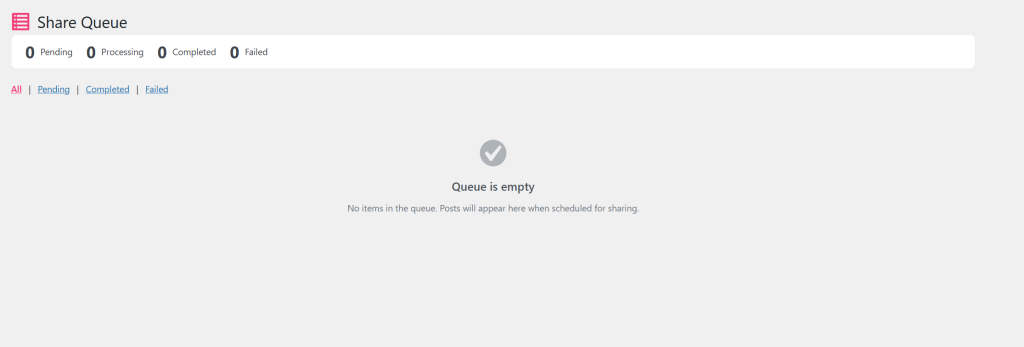
The plugin creates its own database tables to manage the sharing queue, activity logs, and platform connections. A WordPress cron job processes the queue every five minutes, handles retries for failed posts, and cleans up old logs automatically.
Everything’s built with extensibility in mind. Developers can hook into actions before and after shares, filter messages before they’re posted, and even add custom platforms through the sts_platforms filter. The code follows WordPress best practices and plays nicely with caching plugins and custom post types.
UTM tracking is built in, so your Google Analytics will properly attribute traffic from each platform without any extra configuration.
Why Build Another Social Plugin?
I’ll be honest — there are other social sharing plugins out there. Some are quite good. But most of them either want a monthly subscription for basic features, connect to external services I don’t control, or simply don’t work the way I need them to.
I wanted something that:
- Works entirely within WordPress (no external dependencies)
- Supports the platforms I actually use, including Mastodon and Bluesky
- Doesn’t require a recurring fee for core functionality
- Gives me complete control over what gets shared and when
So I built it myself.
Getting Started
Installation is straightforward:
- Upload the plugin to
/wp-content/plugins/ - Activate it through the WordPress admin
- Head to Social → Settings → Platforms and connect your accounts
- Configure your auto-share settings and message templates
- Publish a post and watch the magic happen
Each platform needs its own API credentials, which means setting up developer apps on Twitter, LinkedIn, Facebook, and Mastodon. It takes a bit of initial setup, but once done, you won’t need to touch it again.
For Bluesky, it’s even simpler — just generate an App Password from your account settings and you’re ready to go.
What’s Next?
This is version 1.0.0, and I’ve got plenty of ideas for future releases:
- Threads support once their API stabilises
- Image preview cards in the post editor
- A/B testing for message variants
- Better mobile experience in the admin
- Integration with my other plugins
Interested?
If you’d like to try SimonTodd Social on your WordPress site, get in touch. I’m rolling it out to select clients first and gathering feedback before a wider release.
And if you’re handling social media for multiple sites or need a more comprehensive solution, have a look at simontodd.social — it might be exactly what you need.